

Is Base64 encryption? No, Base64 is encoding, not encryption. It converts binary data into a plain text string built from 64 safe characters (A, Z, a, z, 0 to 9, +, /, with = as padding), but the process is completely reversible by anyone, with no key and no secret. Paste a Base64 string into any free decoder and you get the original data back instantly. Real encryption, such as AES, cannot be reversed without the secret key. If you want to inspect the length of an encoded string, our free word counter shows exact character counts in seconds.
Encoding vs encryption: the one minute explanation
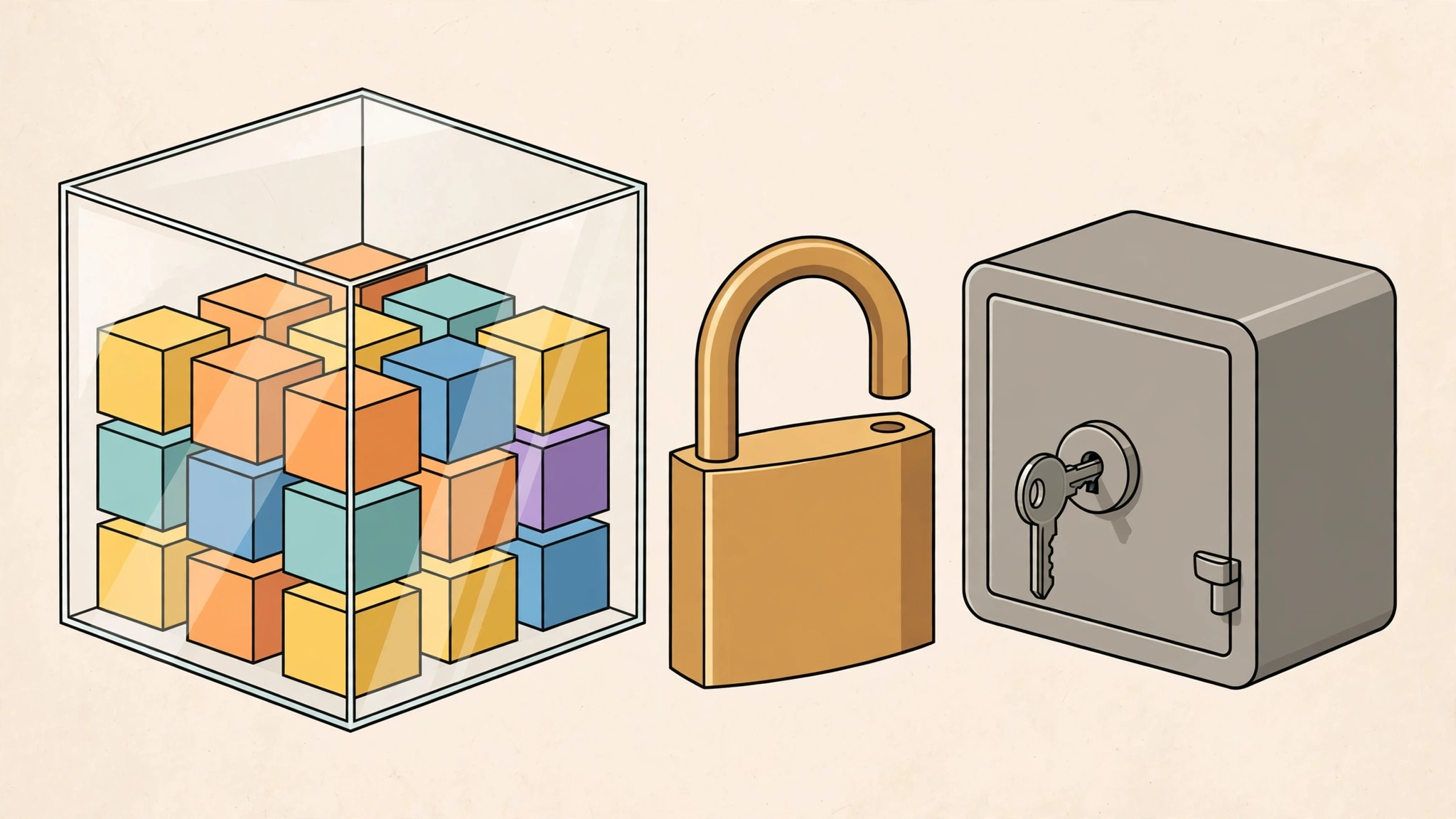
Encoding and encryption solve opposite problems. Encoding changes data’s format so it survives systems that cannot handle raw bytes, like translating a letter into a different alphabet that everyone can still read. Encryption changes data’s readability so that only someone holding the secret key can understand it, like writing the letter in a code known only to you and the recipient. Base64 does the first, never the second.
The confusion is understandable because Base64 output looks scrambled. A string like aGVsbG8gd29ybGQ= means nothing at a glance. But “looks unreadable to a human” is not security. It is obfuscation, and obfuscation is not protection. Every Base64 decoder on the internet will reveal it as hello world in a fraction of a second, no password required.
How Base64 actually works
Base64 takes binary data three bytes at a time (24 bits), splits those 24 bits into four groups of 6 bits, and maps each 6 bit group to one of 64 printable characters. Because 6 bits can represent 64 values, the mapping is one to one and fully deterministic. If the input length is not a multiple of three, = padding characters are appended so the output length is always a multiple of four.
Two consequences follow from this design. First, Base64 output is roughly 33% larger than the input, the price of fitting arbitrary bytes into a text safe alphabet. Second, the transformation carries no secret: the alphabet and the algorithm are public standards (RFC 4648), identical everywhere. There is nothing to “crack” because there was never anything hidden.
Where Base64 is legitimately used
Base64 is everywhere in computing, and every one of its real uses is about transport compatibility, not secrecy:
- Email attachments (MIME). Email was designed for text, so binary attachments like PDFs and images are Base64-encoded to travel safely through mail servers.
- Data URIs in web pages. Small images or fonts embedded directly in HTML or CSS use
data:image/png;base64,...so the browser can read binary content from a text document. - HTTP Basic authentication headers. A username and password are joined with a colon and Base64-encoded into the
Authorizationheader. This is only safe over HTTPS, the encoding itself hides nothing. - Embedding binary data in JSON or XML. These text formats cannot carry raw bytes, so tokens, certificates, and keys are Base64-encoded to fit inside them.
Notice the pattern: in every case, Base64 exists so binary data can pass through a text only channel intact. The protection, where any exists, always comes from another layer. TLS encrypting the connection, or access controls on the server.
Why Base64 must never protect secrets
Treating Base64 as security creates real vulnerabilities. Common mistakes include Base64-encoding an API key and assuming it is “encrypted” in source code, or encoding a password before storing it in a database and calling it “hashed.” In both cases, anyone who sees the encoded value recovers the secret trivially. It is the digital equivalent of writing a password on paper and turning the paper over.
The test is simple: if reversing the protection requires no secret that the attacker lacks, it is not encryption. Base64 requires no secret at all, so it fails the test by definition.
What to use instead of Base64 for real security
- Protecting data in transit: use TLS (HTTPS). The encryption is handled by the protocol, not by encoding the payload.
- Protecting stored secrets: use real encryption such as AES-256 with a properly managed key. Encoding the ciphertext in Base64 afterwards for storage is fine, encoding after encrypting is a legitimate pattern.
- Storing passwords: never encrypt or encode passwords at all. Hash them with a purpose built password hashing function like bcrypt, scrypt, or Argon2, which are deliberately slow and salted.
- API tokens and keys: store them in a secrets manager or environment variables, transmit them only over HTTPS, and rotate them if exposed.
For a deeper look at how real cryptographic hashes differ from encodings, see our guide on MD5 vs SHA-256. And if you work with text data regularly, the full tools collection includes counters and converters that handle everyday text tasks safely.
A worked example: encoding three bytes by hand
The mechanics above sound abstract until you push one tiny input through them. Take the three characters Hi! the bytes for H, i, and !. Written in binary, those three bytes are 01001000 01101001 00100001, a single row of 24 bits. Base64 ignores the original byte boundaries and re slices the row into four groups of six bits: 010010, 000110, 100100, and 100001.
Read as ordinary numbers, those groups are 18, 6, 36, and 33. Now walk each one into the Base64 alphabet, where values 0 to 25 are the capital letters A, Z, values 26 to 51 are the small letters a, z, and 52 to 61 are the digits. Value 18 lands on S, value 6 lands on G, value 36 lands on k (ten places into the small letters), and value 33 lands on h. The three input characters become the four character string SGkh no padding needed, because the input was an exact multiple of three bytes. You can check the whole thing against any decoder, and against the guide’s earlier example: the eleven characters of hello world are not a multiple of three, so that encoding needs one = of padding to reach aGVsbG8gd29ybGQ=, sixteen characters long. Nothing in either result is hidden. Anyone holding SGkh can reverse the same public steps and recover Hi! which is the entire point of this guide, demonstrated rather than asserted. If you want to count the characters in a string you are inspecting, the word counter gives exact lengths, and if what you are handling is a genuine secret rather than an encoding puzzle, it belongs behind a real credential, the kind you would create with a password generator and store in a secrets manager, never inside an encoded blob.
How the encoded size grows
Because every three input bytes become four output characters, the growth is predictable to the character. This table follows directly from the grouping rule above, with padding rounding each result up to a multiple of four.
| Original data | Base64 output | Growth | Padding |
|---|---|---|---|
3 bytes (for example, Hi!) | 4 characters | About 33% | None, input is a multiple of 3 |
| 100 bytes | 136 characters | 36% | 2 characters of = |
| 300 bytes | 400 characters | About 33% | None |
| 1,024 bytes (1 KB) | 1,368 characters | About 34% | 2 characters of = |
| 3,000 bytes | 4,000 characters | About 33% | None |
Two practical consequences follow. First, a Base64 attachment inflates an email by roughly a third, which is why very large files travel as links rather than attachments. Second, size alone can betray you: if a supposedly protected value is exactly the length Base64 predicts and uses only the Base64 alphabet, you are probably looking at an encoding wearing a costume, not at encryption.
Common mistakes to avoid
- Trusting data because it arrived Base64-encoded. Decoding is not verification. An encoded value in a request, a cookie, or a token proves nothing about who created it, anyone can encode anything. Authenticate and authorise as if the plain value had been sent, because effectively it was.
- Assuming a JSON Web Token payload is private. The middle section of a JWT is Base64url-encoded, not encrypted, and readable by anyone who holds the token. Never place secrets, personal data you would not print, or internal identifiers you rely on staying hidden inside it.
- Pasting standard Base64 into a URL unchanged. The standard alphabet includes
+and/, which carry meanings of their own in URLs and form data. The URL safe variant swaps them for-and_; mixing the two alphabets is a quiet source of corrupted tokens and failed logins. - Encoding twice and calling it layered security. Encoding an encoded string just produces a longer string that unwraps in two public steps instead of one. Layers only add security when at least one of them needs a secret.
- Storing a password as Base64 in a config file. This fails the test from the guide above in its purest form: reversing it needs no secret the reader lacks. Config files should reference a secrets store, and passwords themselves should be hashed with a password hashing function, never stored reversibly at all.
- Treating gibberish as proof of encryption. Compressed data, binary data saved with the wrong extension, and plain corruption all look like gibberish too. Unreadable to you is a property of almost everything digital; protected by a key is a property of encryption alone.
Keep the one sentence test from the main guide taped to the wall: if undoing it requires no secret, it is not encryption. Base64 passes every transport job it was designed for and fails that test completely, which makes it an excellent encoding and, used honestly, no kind of lock at all.
Frequently asked questions
Is Base64 secure?
No. Base64 provides zero security, it is an encoding, not encryption. Anyone can decode a Base64 string without any key or password. It is safe to use for transporting data, but never for protecting it.
Can Base64 be decrypted?
It does not need to be “decrypted”, it is simply decoded, which is trivial and instant. Decryption implies defeating a key based cipher; decoding Base64 is just reversing a public, deterministic mapping, like converting between alphabets.
Why is Base64 used in HTTP Basic authentication if it is not secure?
Basic auth uses Base64 only to fit the username and password into an HTTP header as text. The actual security comes from HTTPS encrypting the whole connection. Basic auth over plain HTTP exposes credentials to anyone watching the network, precisely because Base64 hides nothing.
Is Base64 the same as hashing?
No. Hashing (like SHA-256) is a one way transformation. You cannot recover the input from the hash. Base64 is two way by design: encoding and decoding are both trivial. They serve completely different purposes.
How can I tell if a string is Base64?
Base64 strings use only the characters A, Z, a, z, 0 to 9, +, /, and up to two trailing = padding characters, and their length is always a multiple of four. But this is only a hint, plenty of tokens and IDs use the same alphabet without being Base64.
Should I Base64-encode an API key to hide it in my code?
Never. It takes seconds to decode and gives a false sense of safety. Keep API keys in environment variables or a secrets manager, out of source code entirely.